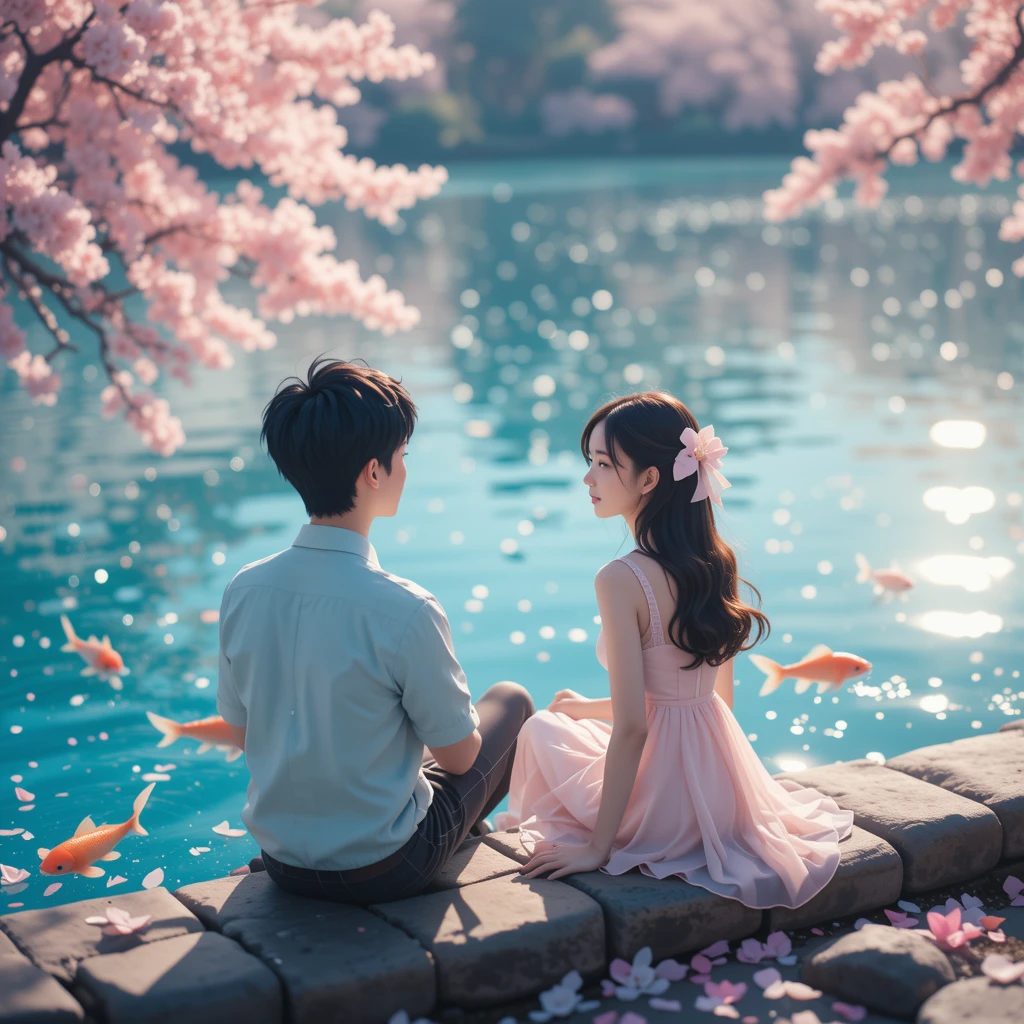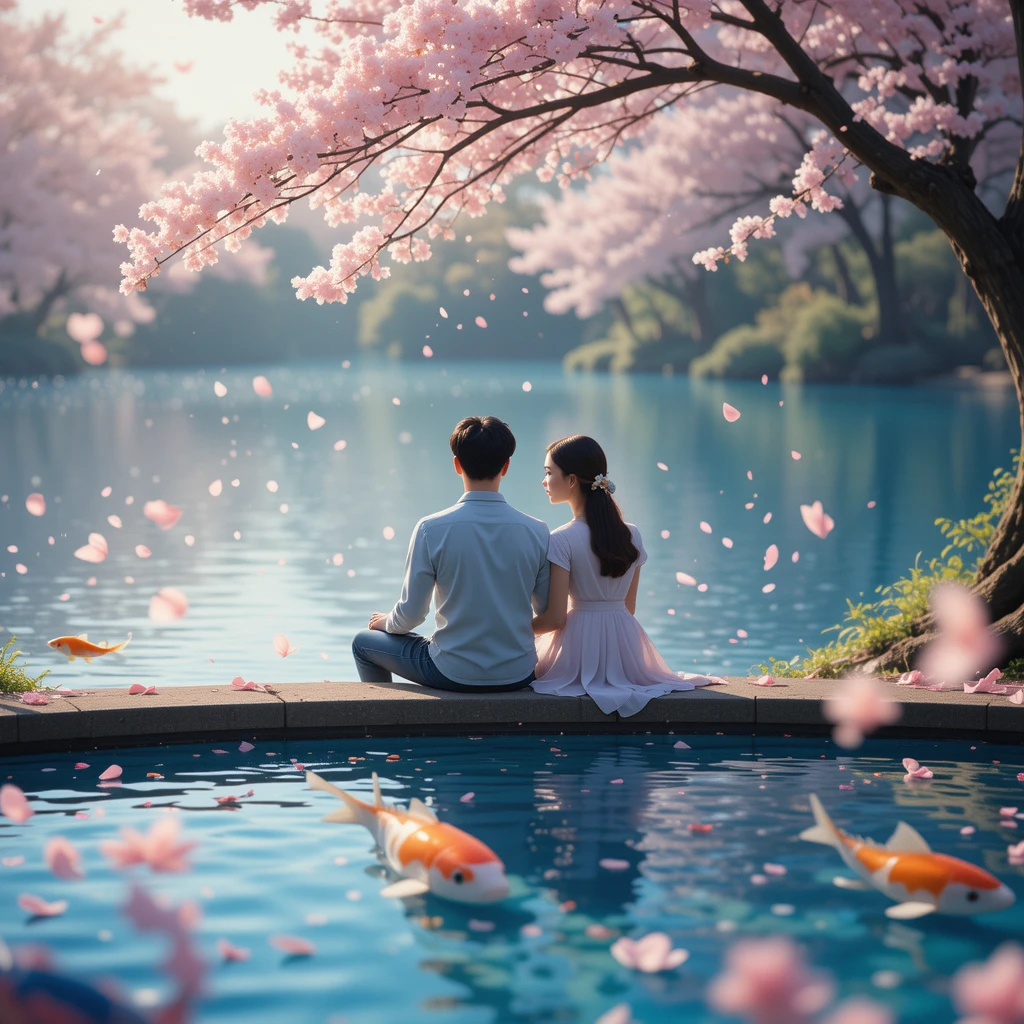

For many years, viewers have been enthralled by the unique hand-drawn style of Studio Ghibli, the renowned Japanese animation studio that created beloved films like Spirited Away, My Neighbor Totoro, and Princess Mononoke. You can now create beautiful graphics in the Studio Ghibli style with a few clicks thanks to AI-powered tools!
We’ll go over the greatest tools available, how AI-powered Ghibli-style image generators operate, and how to make your own stunning Ghibli-inspired artwork in this guide.
What Are Ghibli-Style Images?
An AI-powered program that produces images with the Studio Ghibli style is called a Ghibli image generator. These generators examine existing Ghibli-style artworks and apply deep learning to produce new images based on written prompts or submitted photos using sophisticated AI models like Stable Diffusion, DALL·E, and GPT-4o.
Artists, anime enthusiasts, and digital producers who wish to explore Ghibli’s whimsical, hand-drawn beauty without needing to know how to draw are drawn to these tools.
Best AI Tools for Generating Ghibli-Style Images
1. getimg.ai (Ghibli Diffusion)
🔹 Features:
- creates Studio Ghibli-style AI pictures
- Options for text-to-image and image-to-image
- enables editing and fine-tuning of produced photos
🔹 How to Use:
- Go to getimg.ai.
- Type in the text field (for example, “a magical forest with floating lanterns”).
- To start creating your artwork, click Generate.
2. ChatGPT (GPT-4o Image Generation)
🔹 Features:
- Free artificial intelligence image creation using Ghibli-style filters
- Capable of stylizing uploaded photos
- accessible with the free version of ChatGPT
🔹 How to Use:
- Launch ChatGPT with access to GPT-4o.
- Add a description or upload an image.
- Request that it “transform the picture into a Studio Ghibli style.”
- Get your artwork and share it.
3. Deep Dream Generator
🔹 Features:
- employs artificial intelligence neural networks to create creative changes
- supports outputs with high resolution.
- provides style transfer for paintings reminiscent of Ghibli.
🔹 How to Use:
- Visit the Deep Dream Generator.
- Select a prompt or upload an image.
- Choose artistic filters that draw inspiration from Ghibli.
- To fine-tune the findings, click Generate.
Step-by-Step Guide to Creating Ghibli AI Art
Follow these simple steps to create your own Ghibli-style AI images:
Method 1: Using Text Prompts
- Select an AI tool (e.g., GPT-4o, getimg.ai).
- A detailed text prompt, such as “A young girl standing under a cherry blossom tree, soft sunlight, Ghibli style,” should be entered.
- Modify the resolution, detail, and other options.
- After selecting Generate, watch for the AI to finish processing.
- Download and edit the finished picture.
Method 2: Using Image Uploads
- Choose an AI program that can convert images.
- Upload a sketch or a picture of yourself.
- Select the Ghibli style parameters or filter.
- To allow the AI to apply the transformation, click Generate.
- Keep your fresh Ghibli-inspired artwork safe.
Ghibli Image Generator prompt 1 :
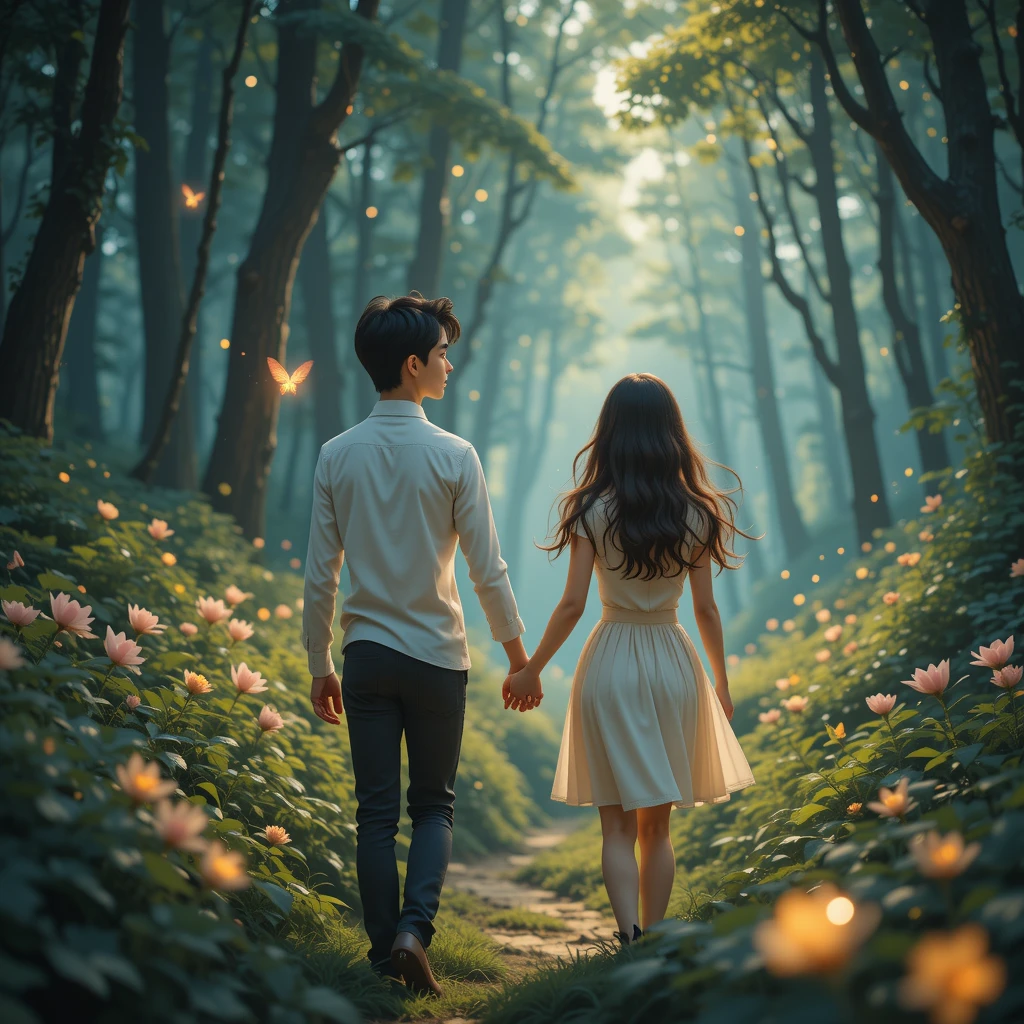
Transform this image into a Studio Ghibli-style artwork with soft lighting, hand-painted textures, and vibrant yet dreamy colors.
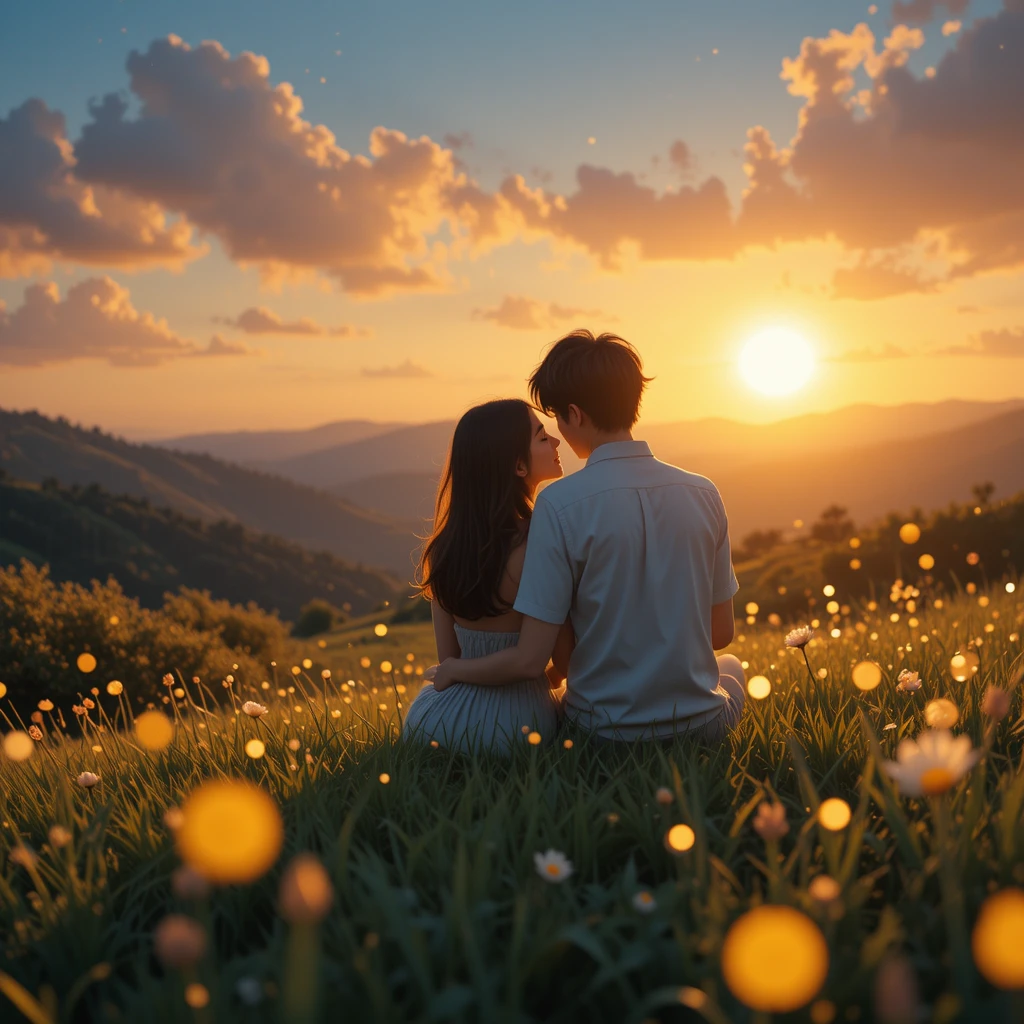
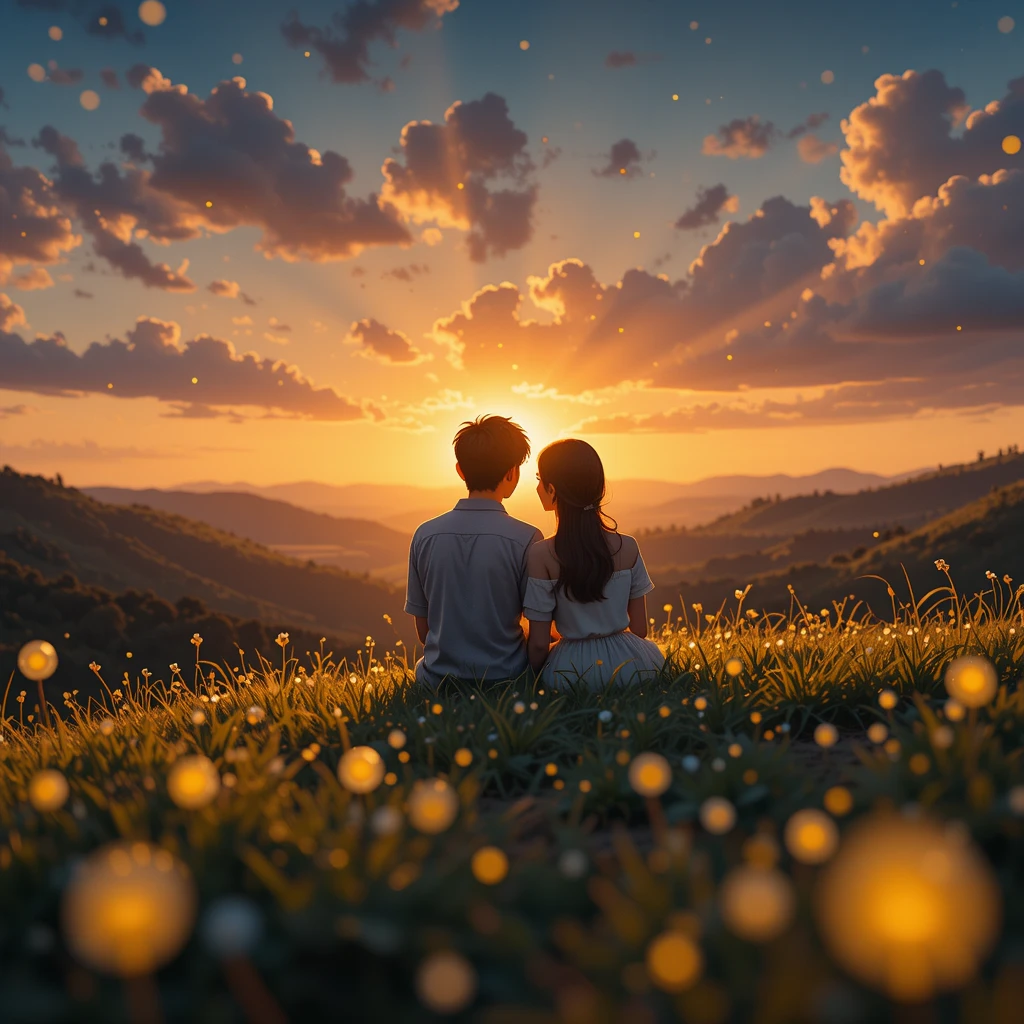
Ghibli Image Generator prompt 2:
Reimagine this image as a scene from a Studio Ghibli movie, featuring warm pastel tones, delicate brush strokes, and a nostalgic atmosphere
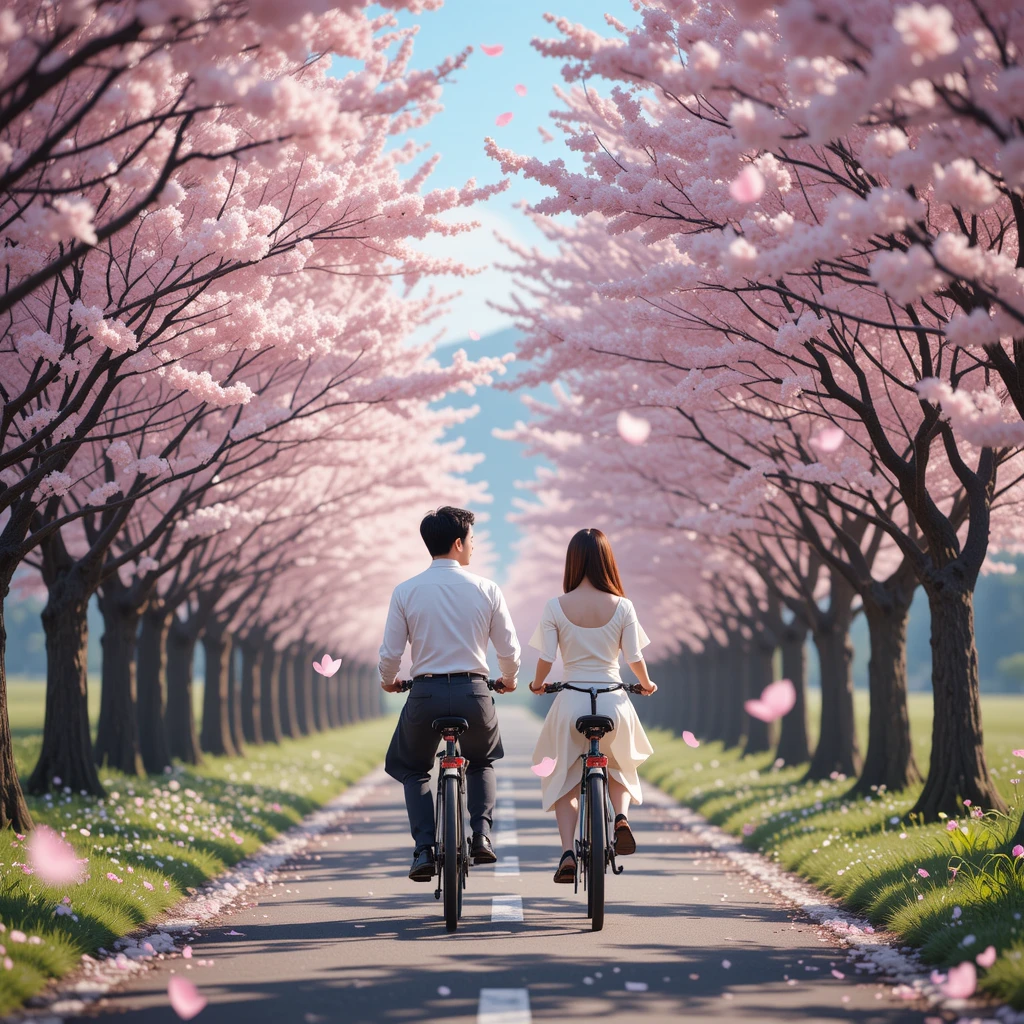

Ghibli Image Generator prompt 3 :
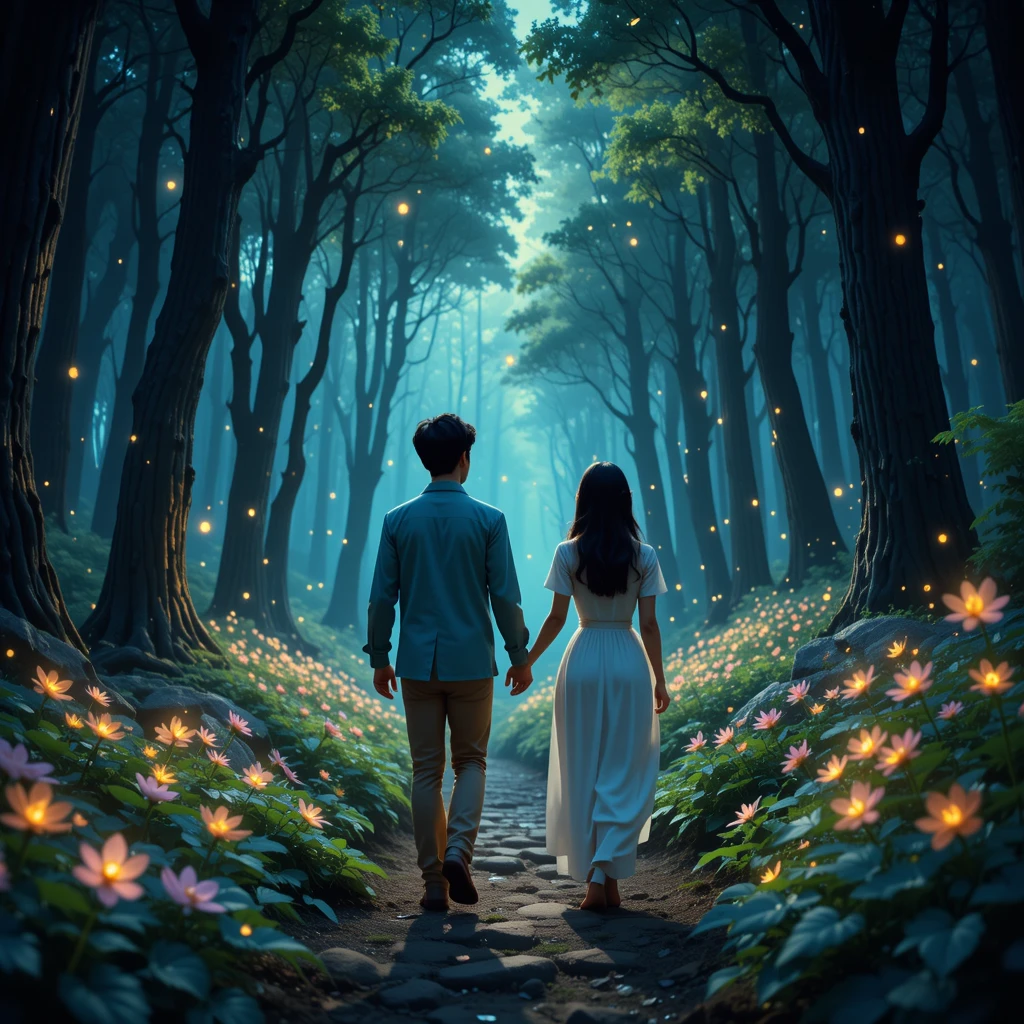
Convert this picture into a magical Studio Ghibli-style setting, emphasizing rich backgrounds, soft shading, and a sense of wonder.
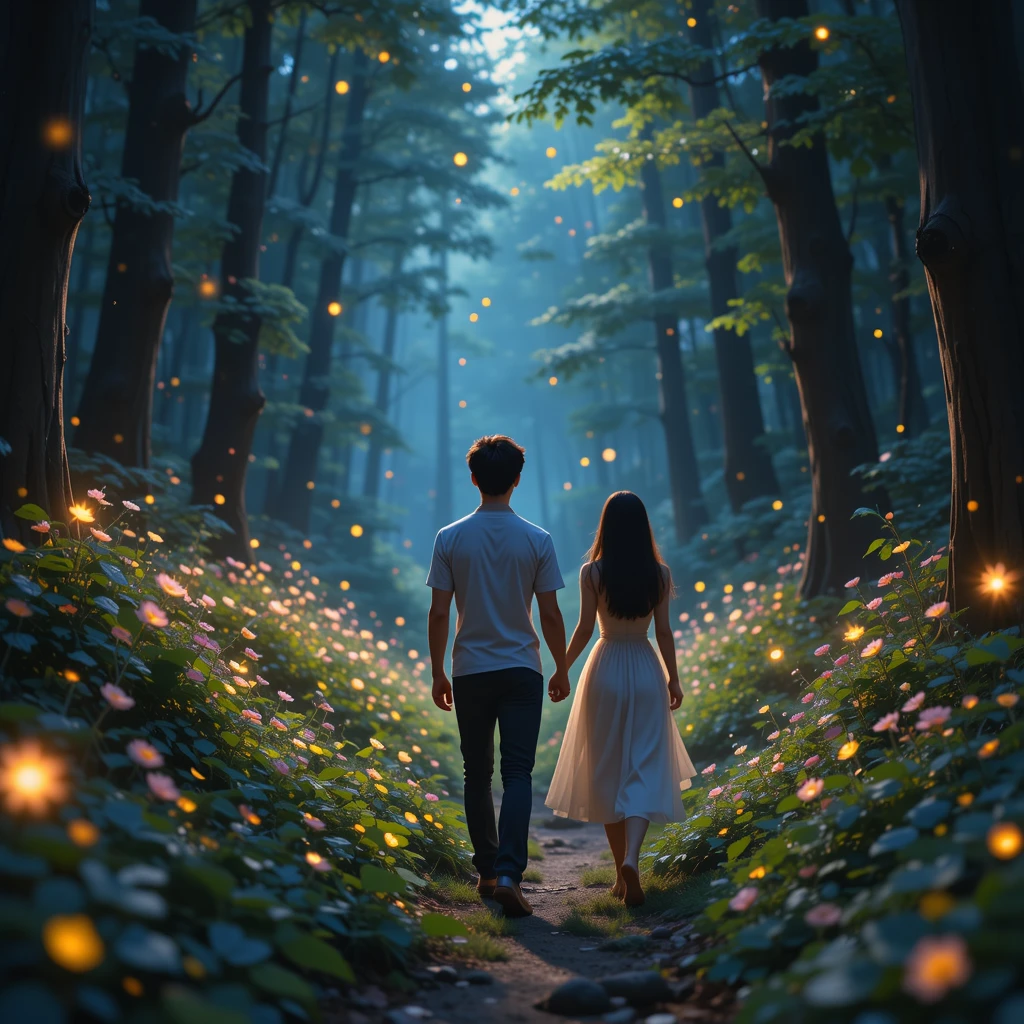
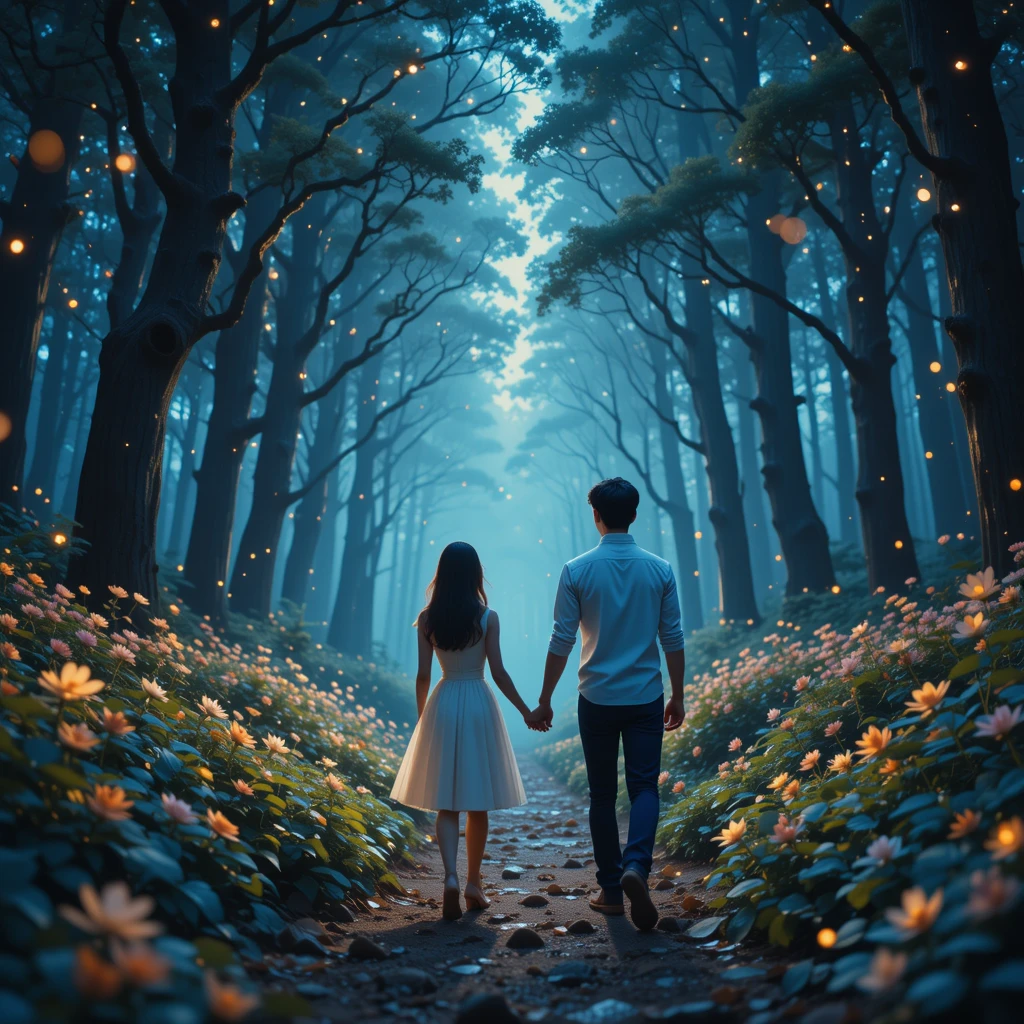
Ghibli Image Generator prompt 4 :
Apply a Studio Ghibli aesthetic to this image with lush scenery, whimsical charm, and cinematic lighting
Ghibli Image Generator prompt 5 :
Turn this photo into a Ghibli-inspired painting with a soft watercolor feel, deep storytelling elements, and an ethereal mood

Ghibli Image Generator prompt 6 :
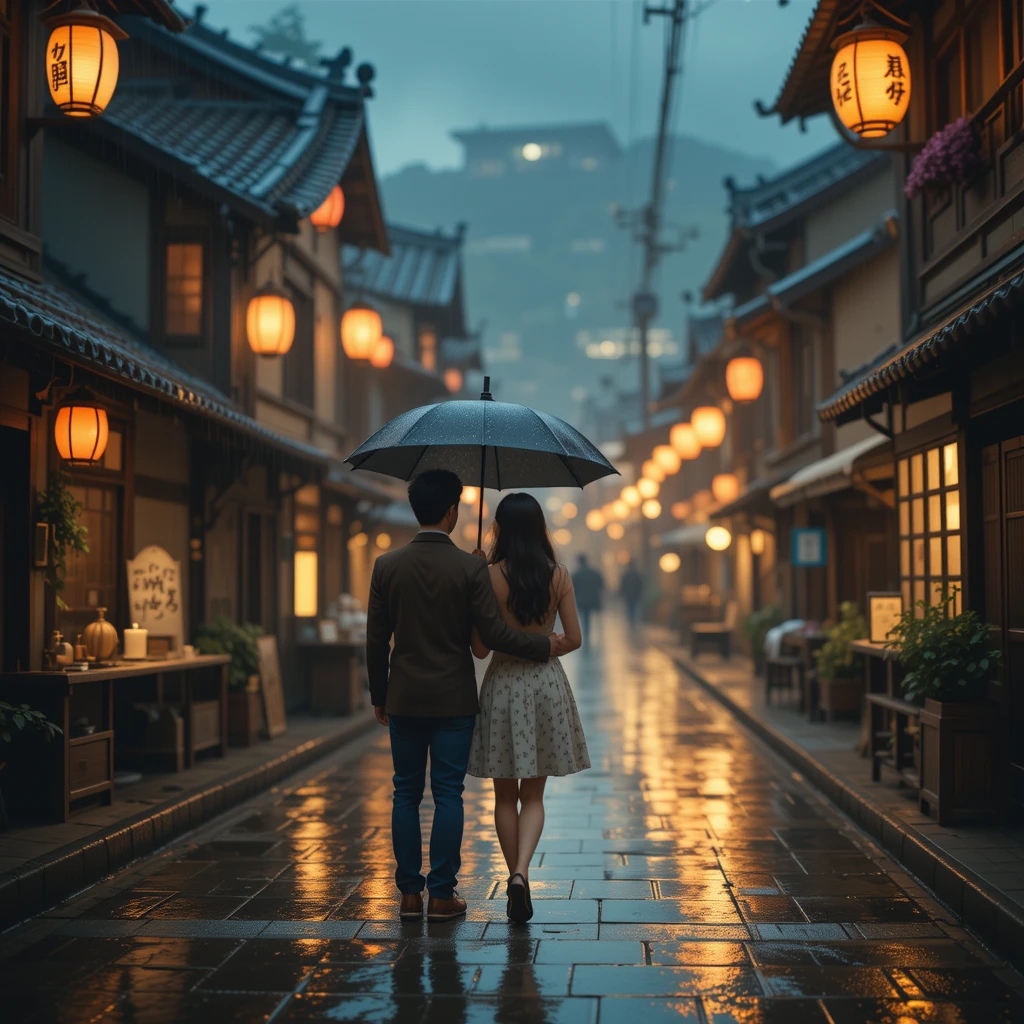
Make this image resemble a frame from a Studio Ghibli film, with a dreamlike quality, intricate details, and a peaceful yet lively composition